One solution to resolving the Plesk admin error email message with the subject line above and contains the text: “Error validating contact(s) :: contact email has invalid domain: Domain name does not end with a valid public suffix (TLD) “
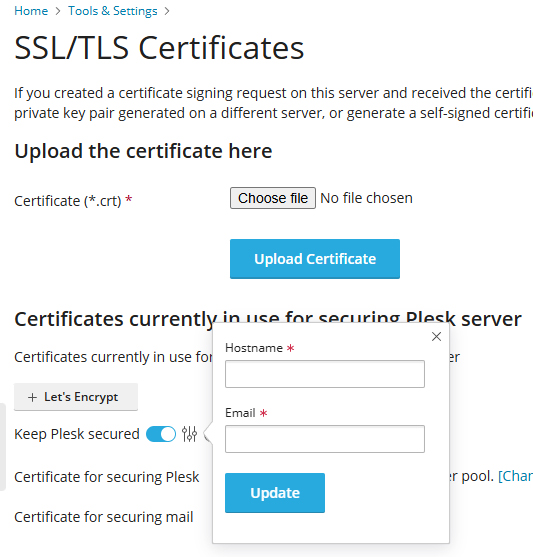
Go to Plesk > Tools & Settings
Select SSL/TLS Certificates
Scroll down to Keep Plesk Secured
Click on the slider control icon and make sure the email address specified in the box isn’t local to the machine, then click update.
On a WordPress site logged in as site admin to be presented with ‘Sorry you are not allowed to access this page‘ error message.
Other weird symptoms: no side menu, but could access some admin pages normally by typing the url directly, eg ‘wp-admin/users.php’ to access the list of users (side menu re-appeared for these but was missing the Dashboard menu item). Could edit other user’s profiles but not my own.
The solution:
After wasting hours trying all solutions listed online, including: disabling all plugins, using a default theme, checking file-permissions, resetting .htaccess etc, etc., I tracked the issue down to a problem with the wp_user_roles field in the WordPress database.
After trying to manually fix the permissions without success, I came across a plugin that was able to fix everything.
PublishPress have an excellent plugin called ‘PublishPress Capabilities’ that fixed the error message (and bought the side menu and Dashboard options back) just by installing the free version of plugin.
However, to rid the site of the problem permanently it was necessary to restore the default WordPress user permissions. Fortunately the free version of the PublishPress plugin can do this for you, but be sure you’ve backed everything up before doing this and try at your own risk.
In the PublishPress plugin screen go to ‘Capabilities > Backup’, click the ‘Reset Roles’ tab and then click the button ‘Reset to WordPress defaults’.
Sheppey, as in the Isle of Sheppey in Kent, is correctly spelt with two ‘e’s – ‘Sheppey’, because it’s a place name!
For some unknown reason – many people on the internet seem to assume they somehow ‘know better’ – by incorrectly‘correcting’ the name to ‘Sheppy’ or ‘Isle of Sheppy’.
But there’s no such place as ‘Sheppy’ – just as there’s no such place as ‘Londn’ – so unless you want to mark yourself out as an idiot, don’t fall into this trap!
The problem encountered: after trying to upload a video to YouTube or Facebook using a Windows 10 machine, the video upload freezes and gets stuck only a short way into the upload (eg. at the 5 or 10% mark) and never completes; clicking inspect in the Chrome developer tools console shows an ‘ERR_HTTP2_PROTOCOL_ERROR’ error.
After suffering from this extremely annoying problem for months on one particular computer (which previously worked fine, but mysteriously developed this fault around 24 March 2021) in Chrome, Firefox and Edge web browsers (and sometimes with web based photo uploaders), but being able to upload fine from several other Windows 10 machines connected to the same network, I finally tracked the issue down to an obscure setting with Kaspersky anti-virus (despite having already tried the pause protection option!).
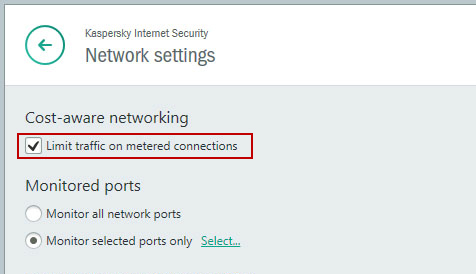
If you encounter this error and have Kaspersky Internet Security installed, try turning off the ‘Limit traffic on metered connections’ option in Kaspersky’s network settings panel. Then restart your machine, and hopefully the problem with YouTube and Facebook video uploads will be resolved.
Further notes: the ethernet connection was already set to unmetered & network type as public (even though it’s a home network) in Windows settings, so it would seem that Kaspersky may have incorrectly decided it was a metered connection and started blocking large files from fully uploading without warning.
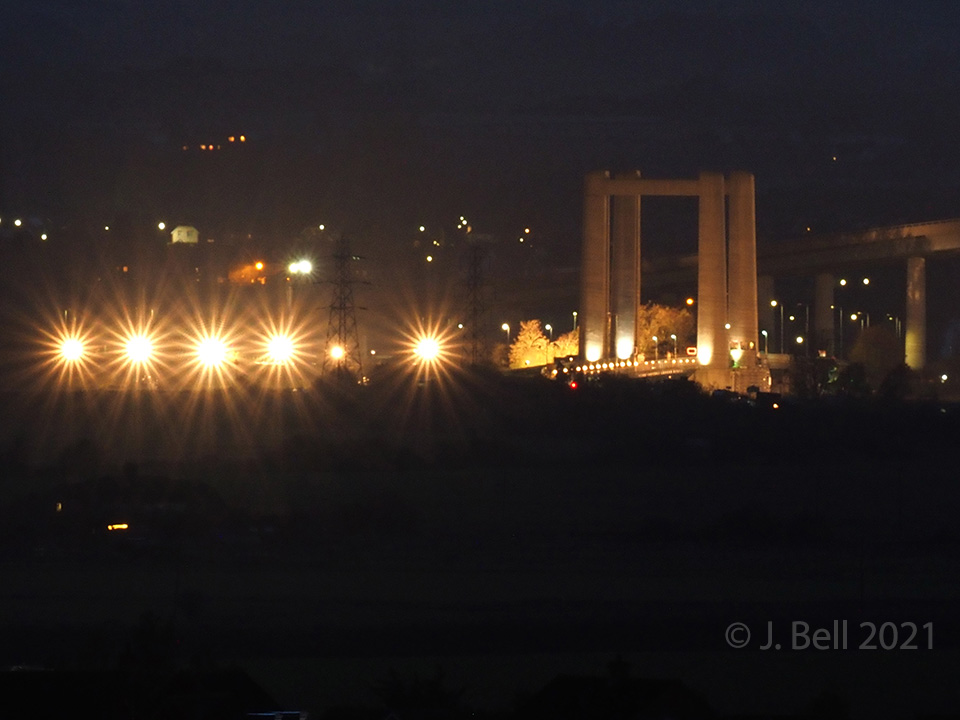
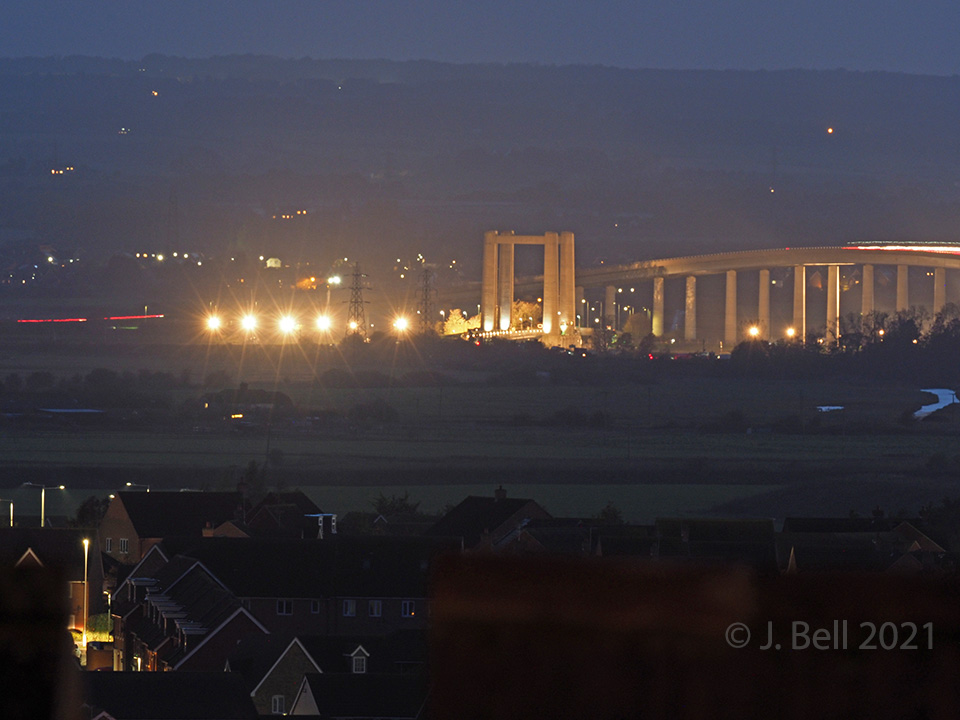
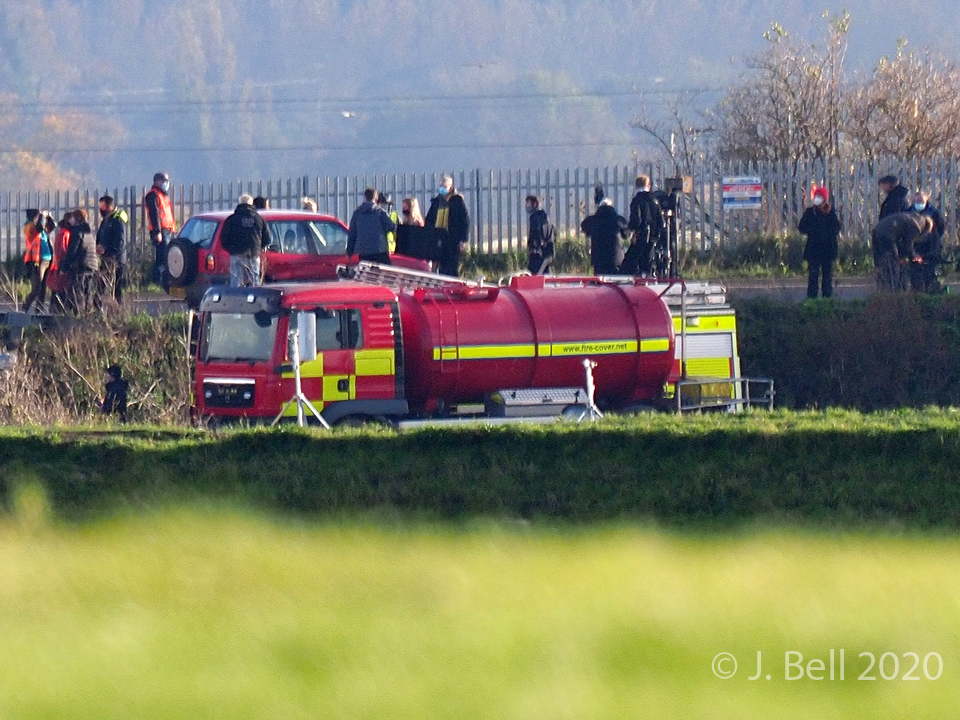
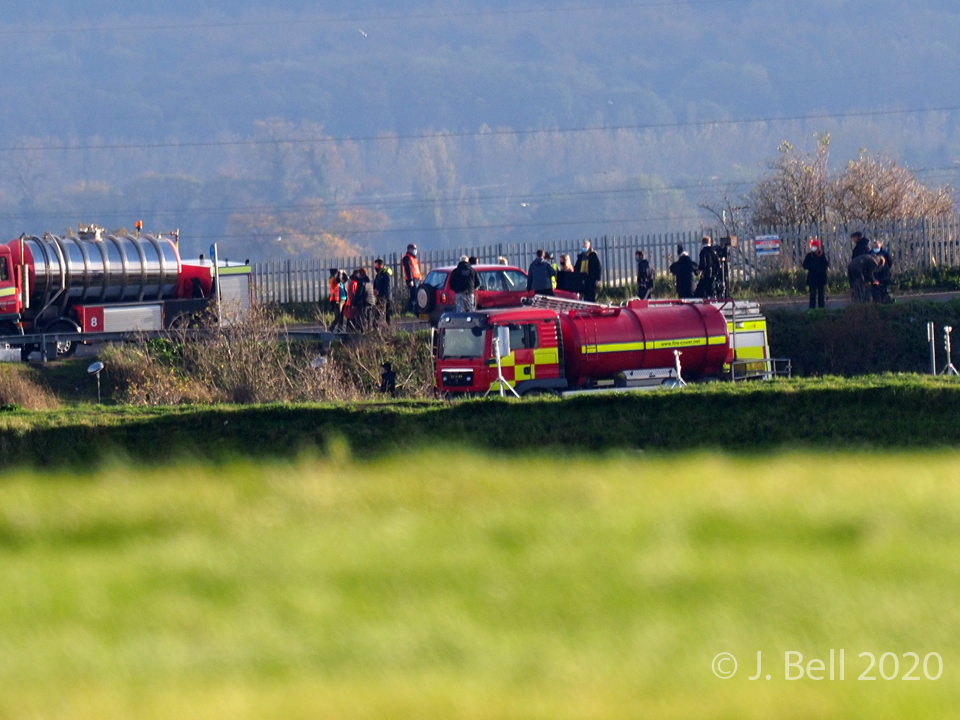
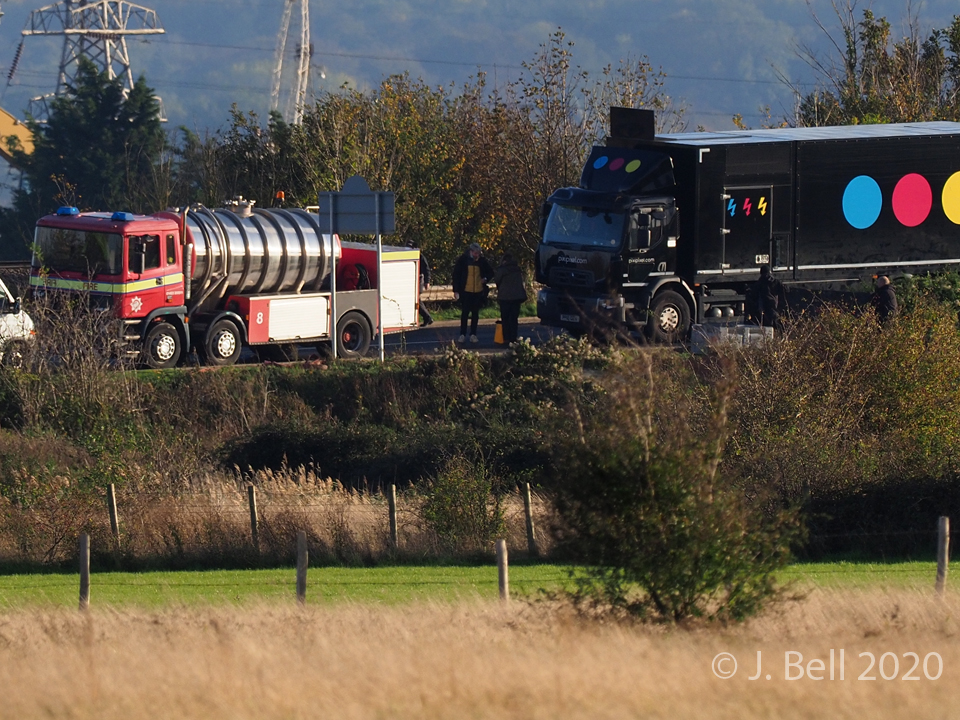
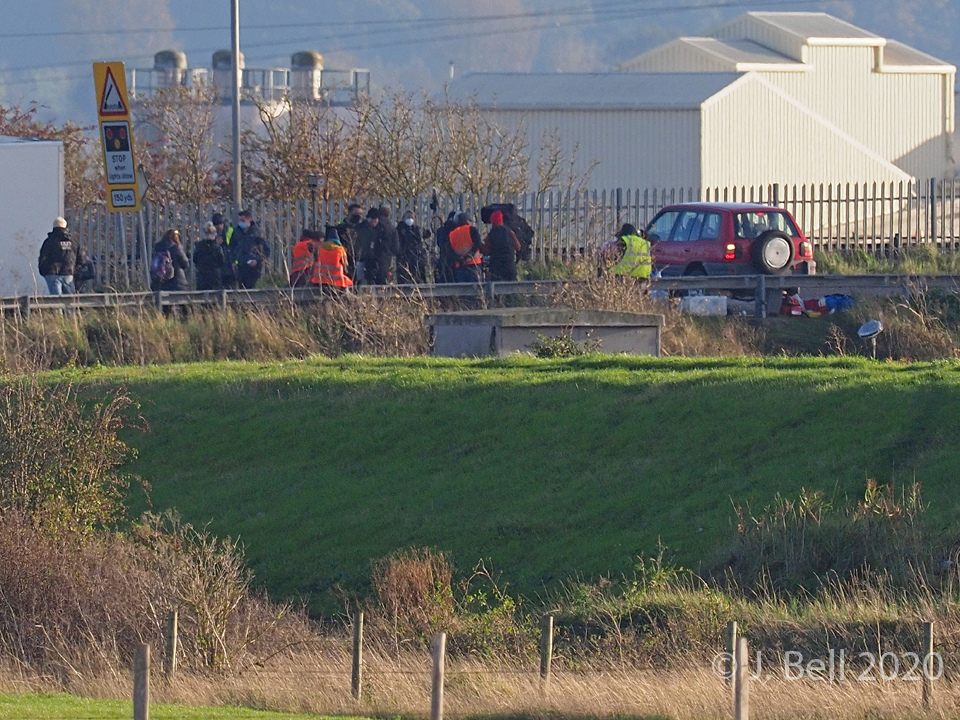
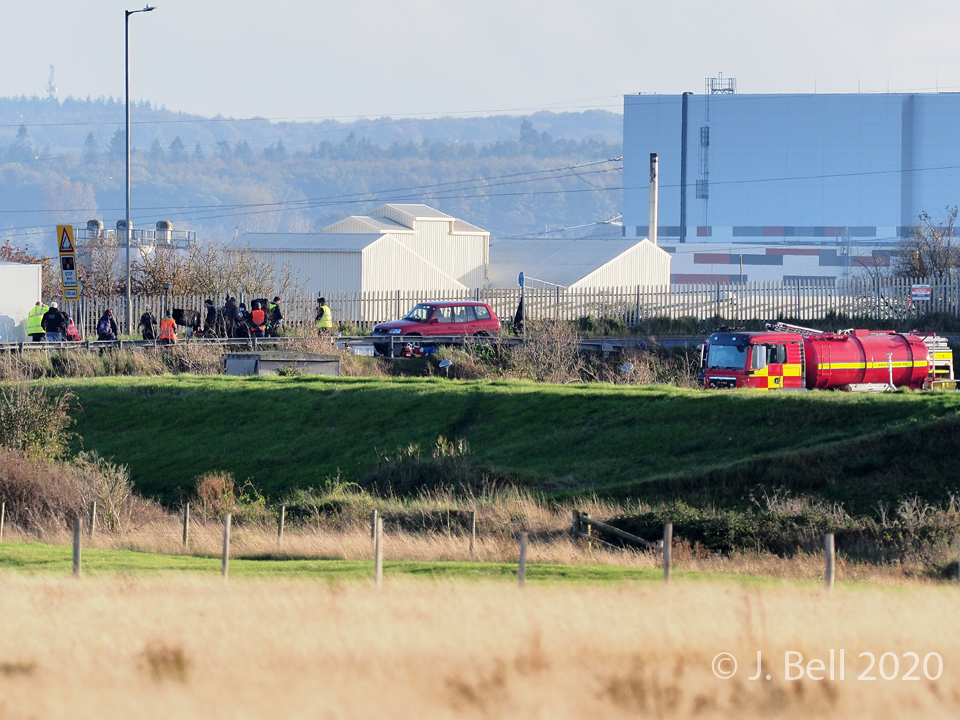
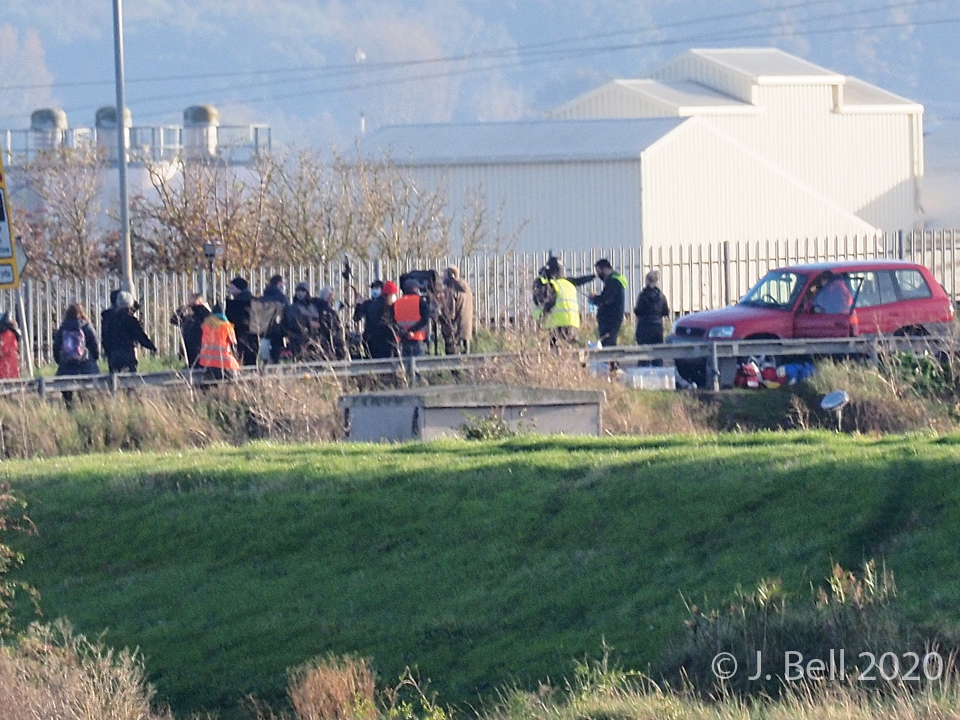
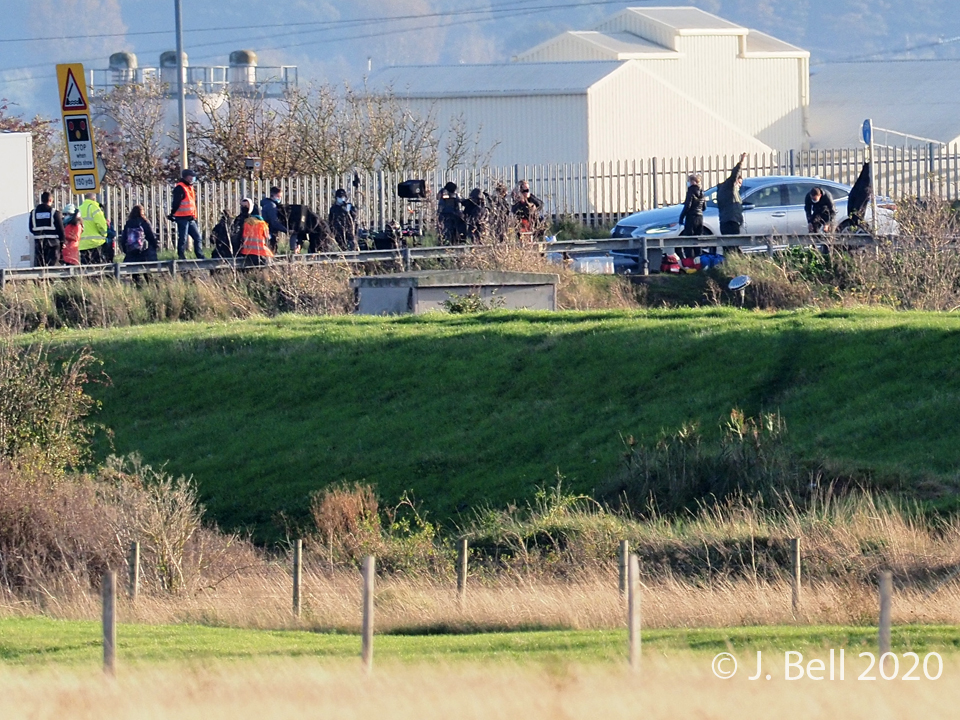
Some scenes for ITV’s new drama ‘Too Close’ were filmed around the Kingsferry Bridge, which connects the Isle of Sheppey to mainland Kent, over the weekends of 24-25th October & 12-13 December 2020.
Powerful TV lights near the Kingsferry Bridge 25 Oct 2020Powerful TV lights near the Kingsferry Bridge 25 Oct 2020
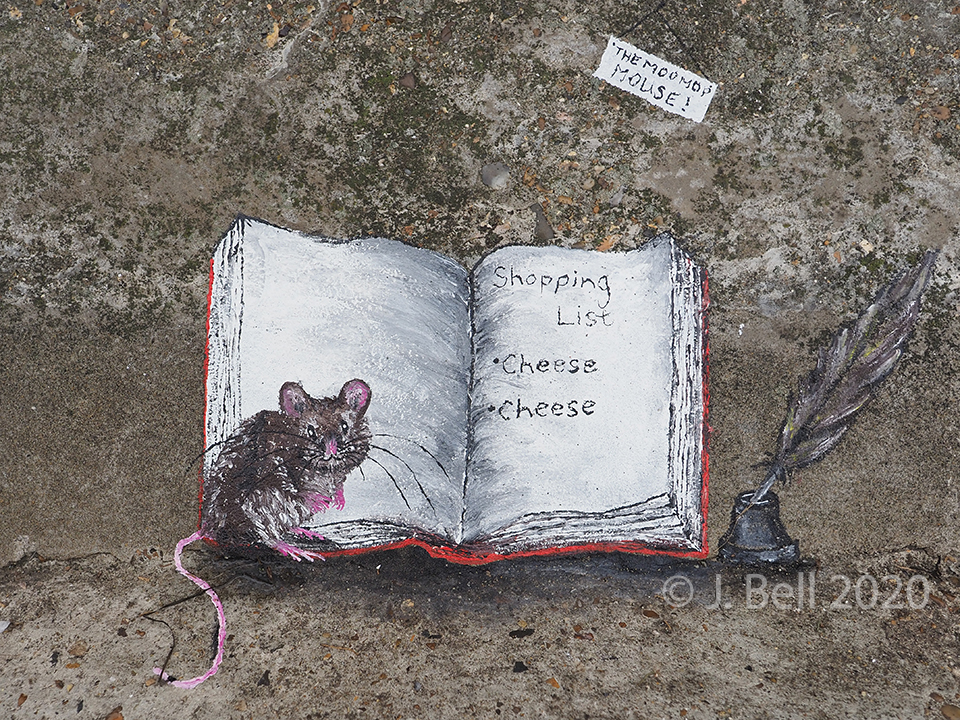
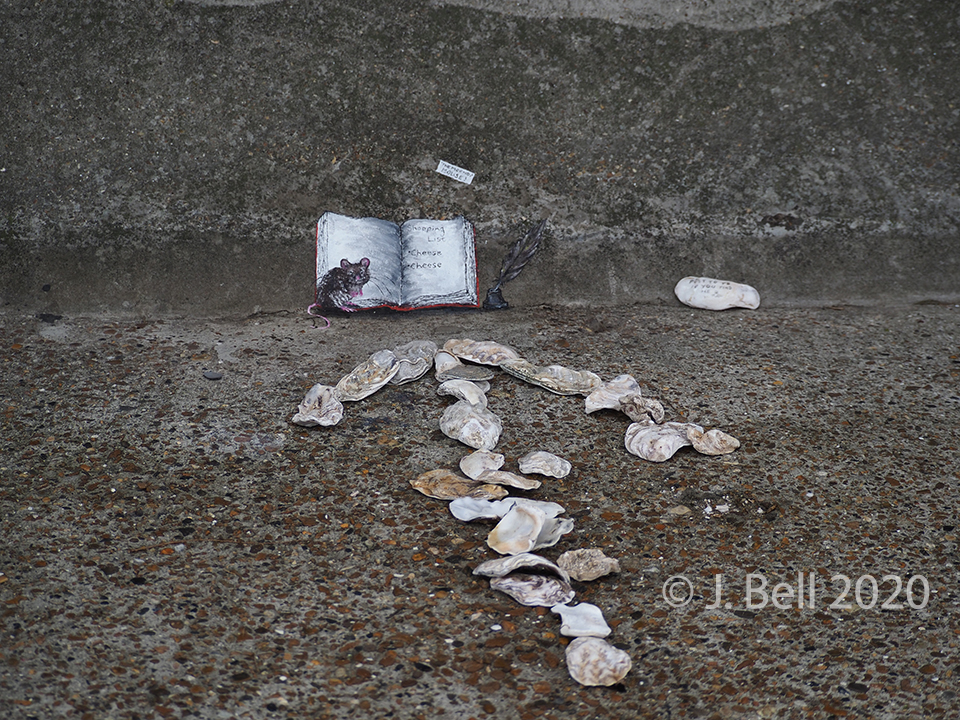
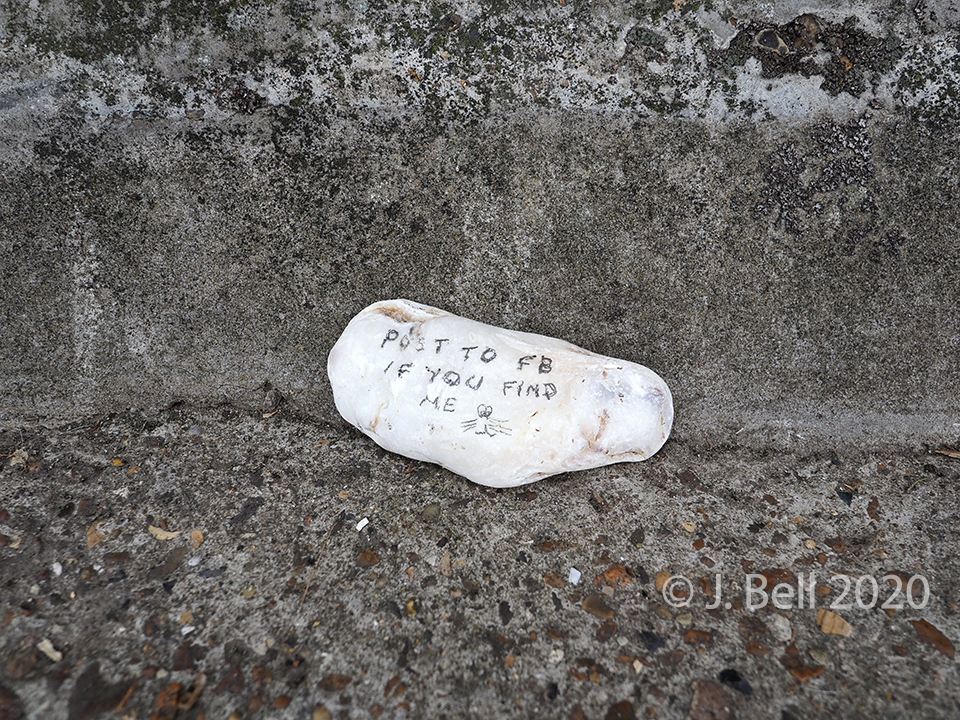
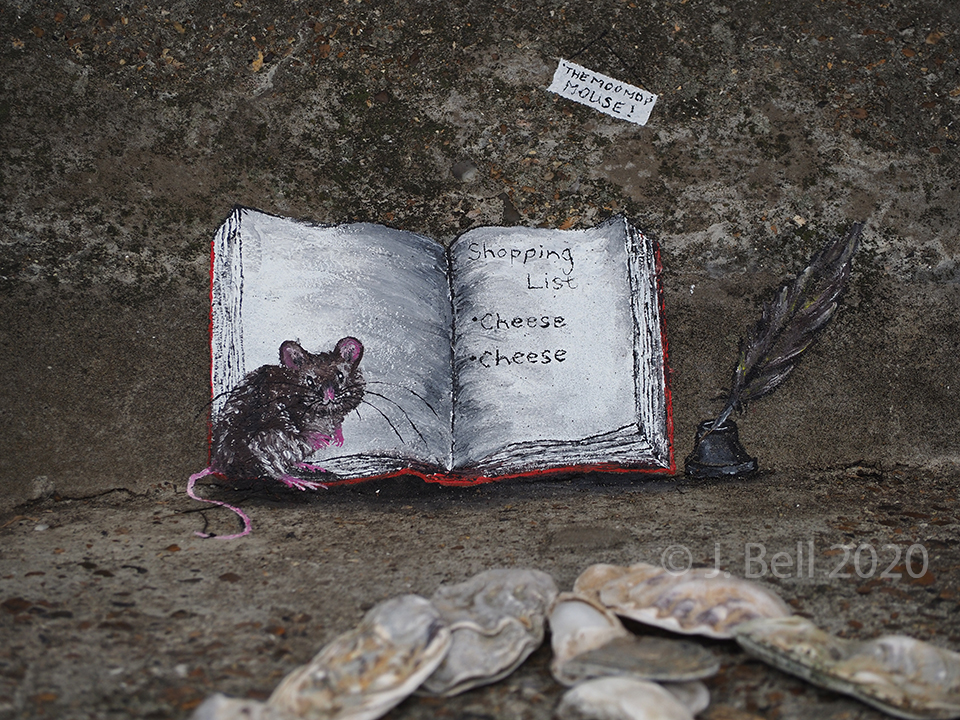
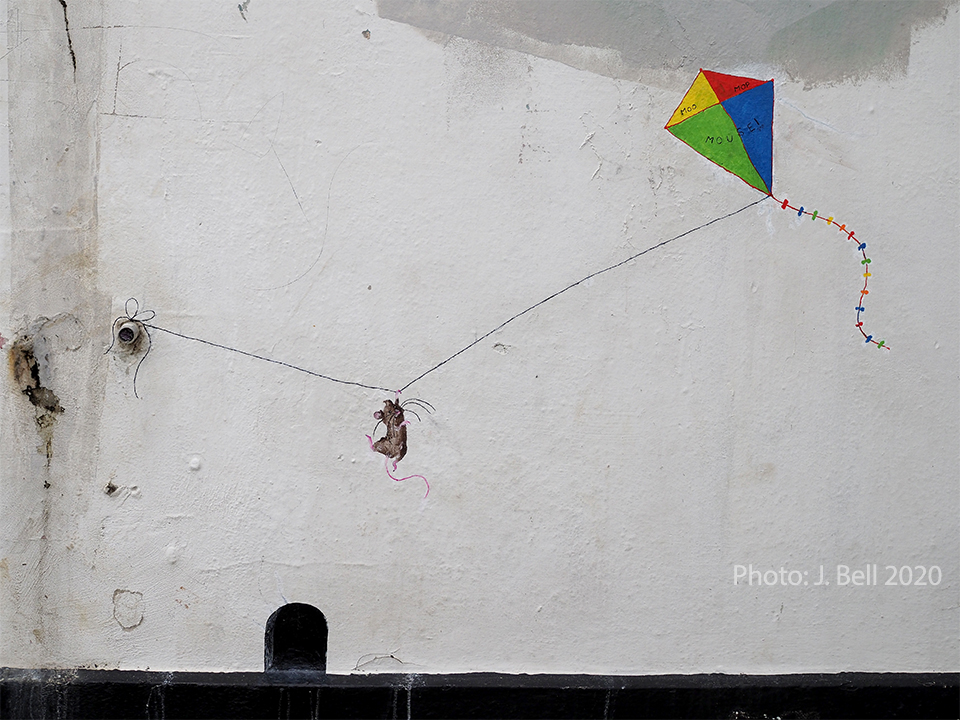
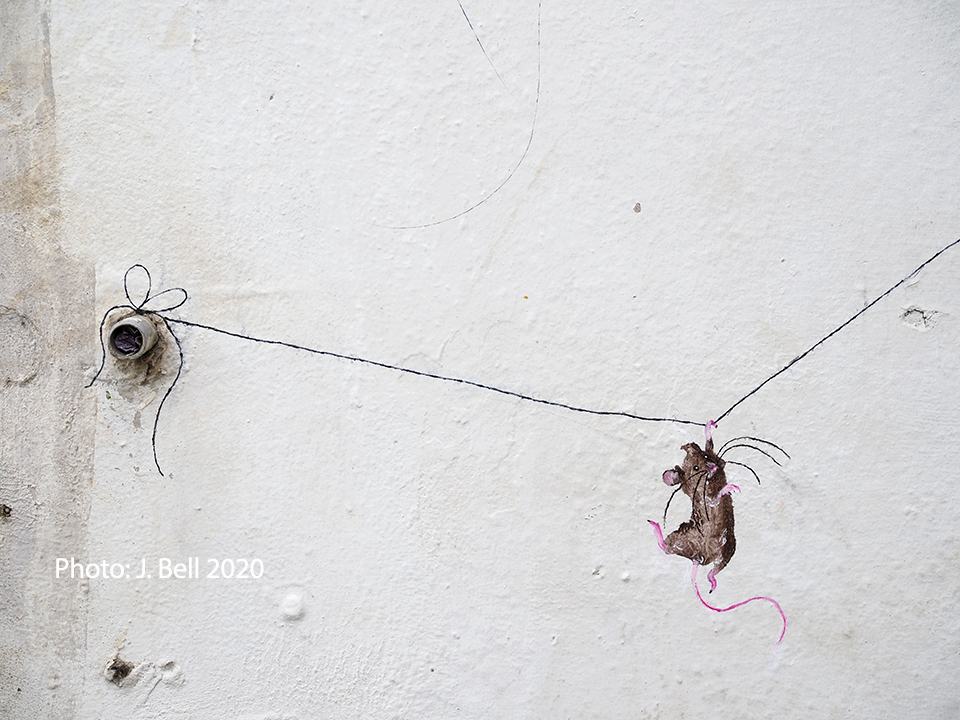
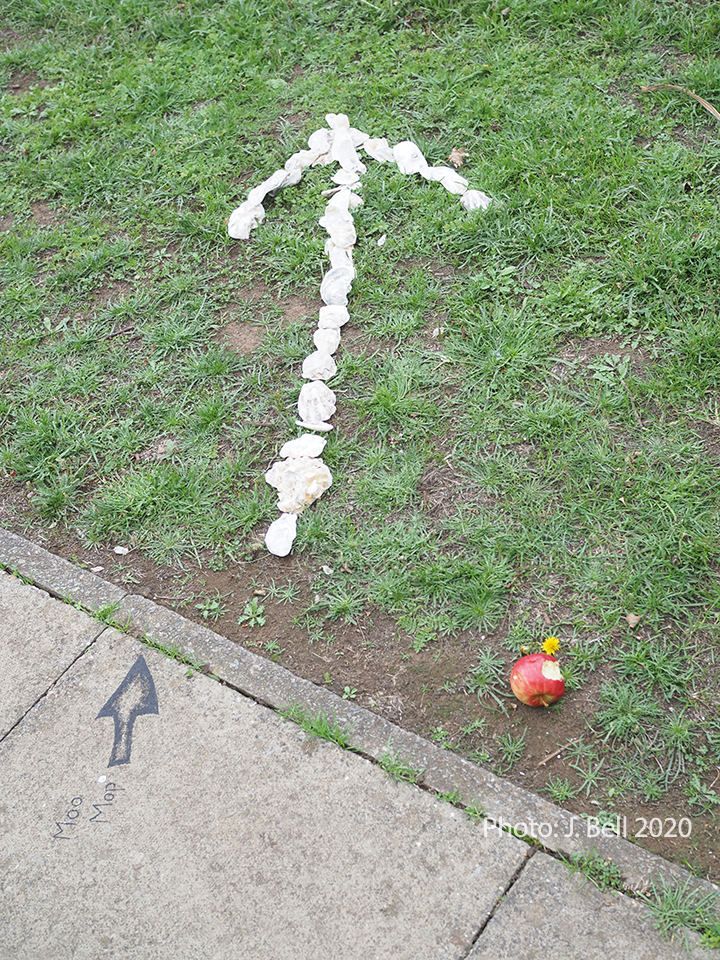
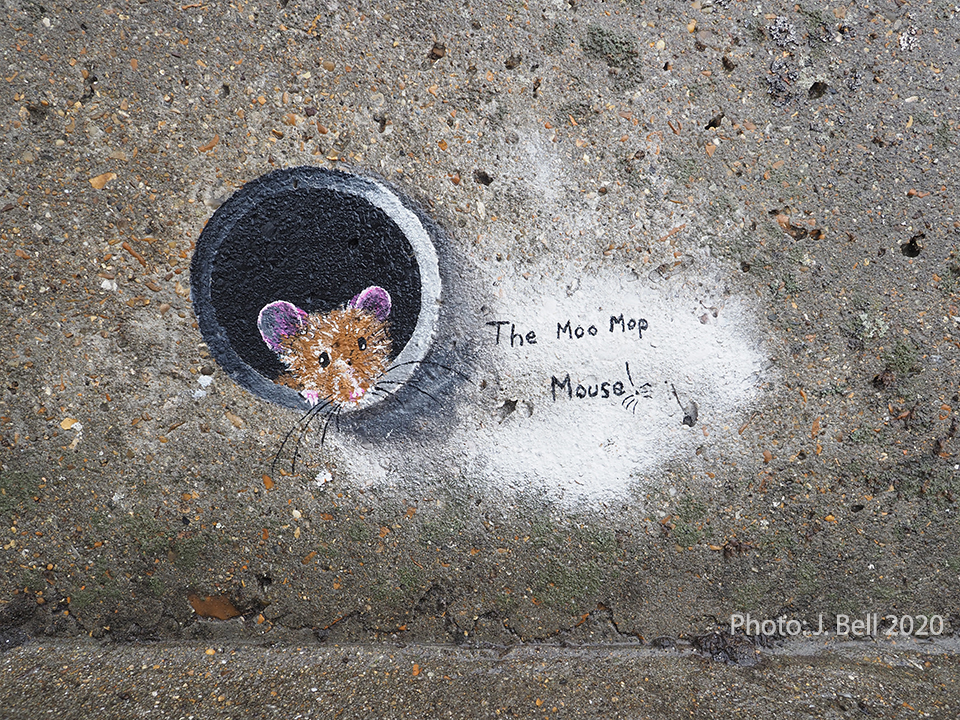
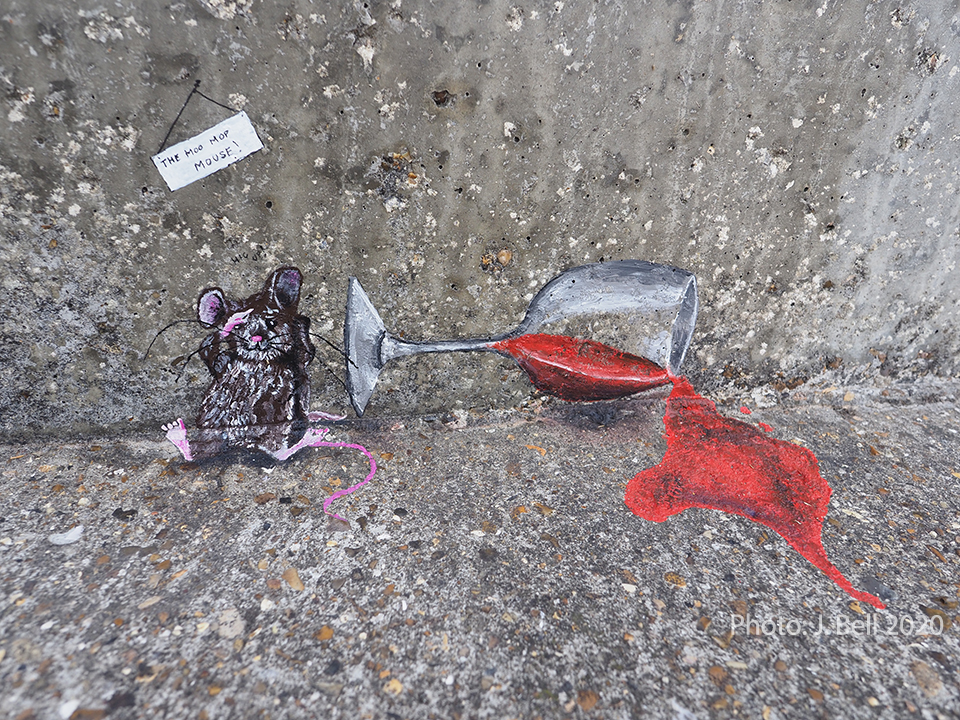
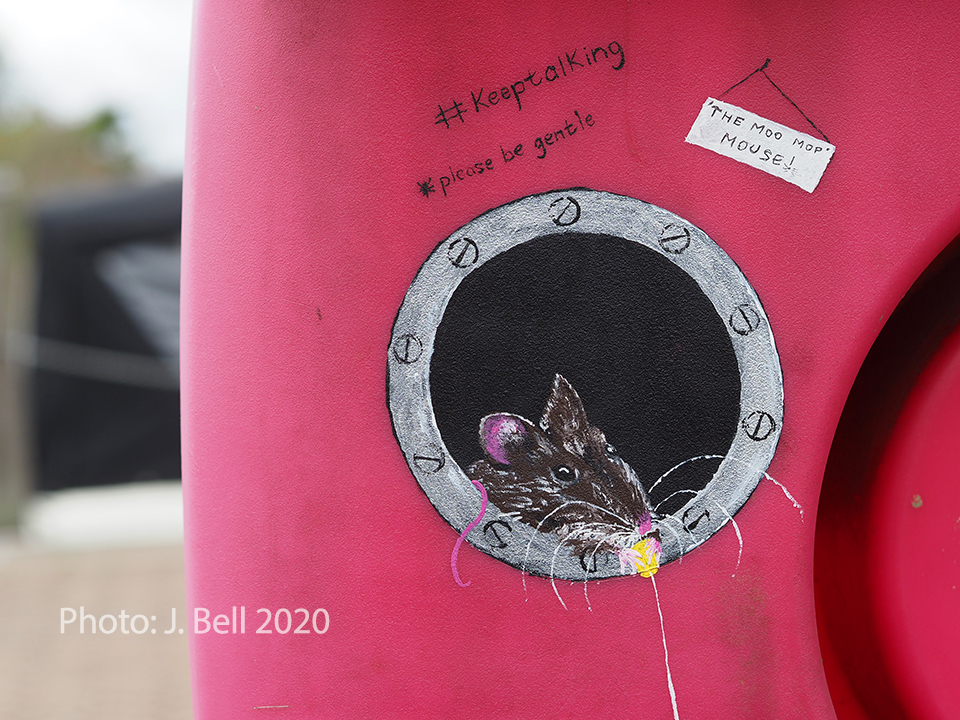
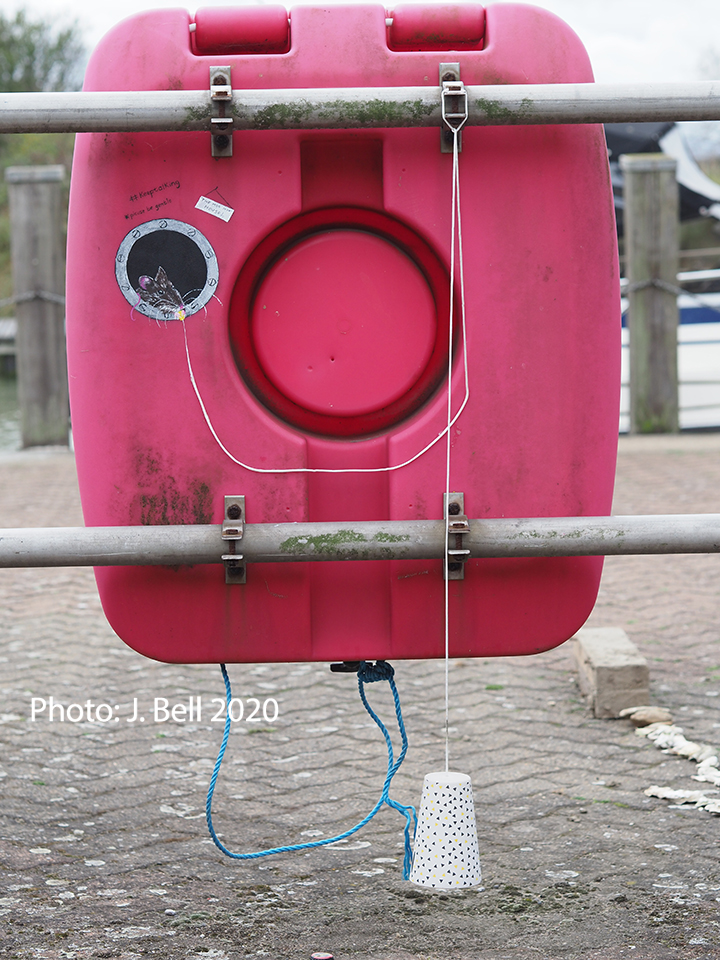
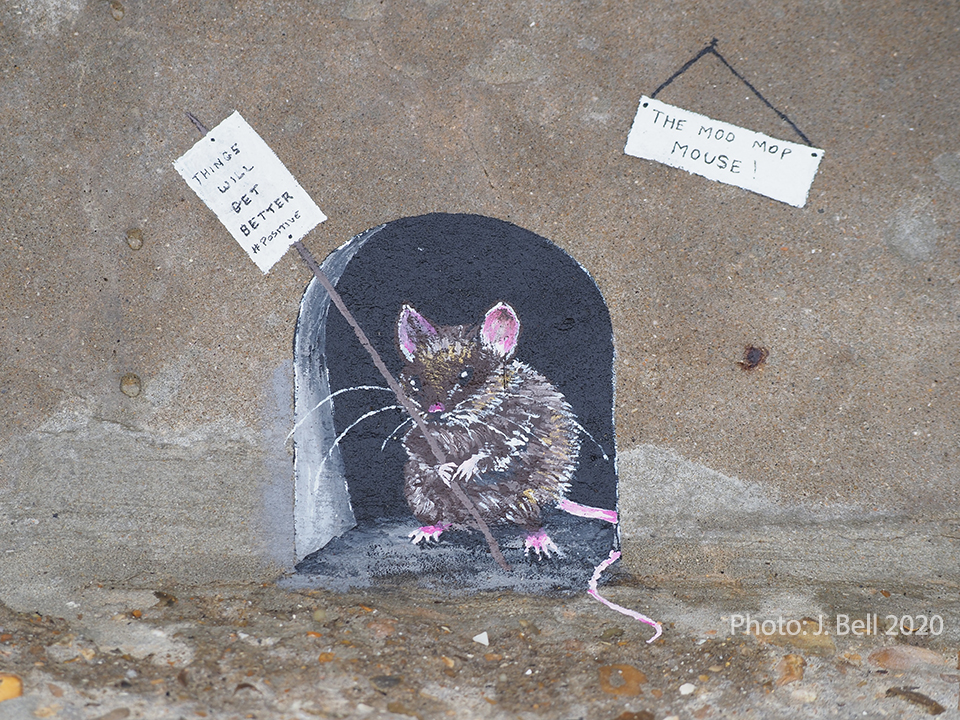
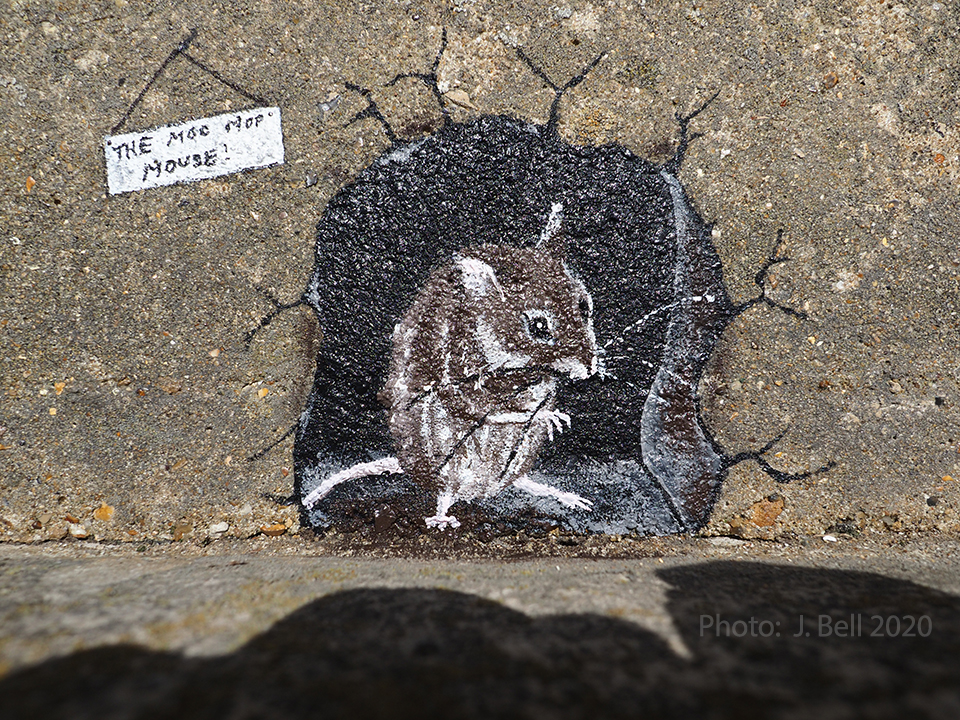
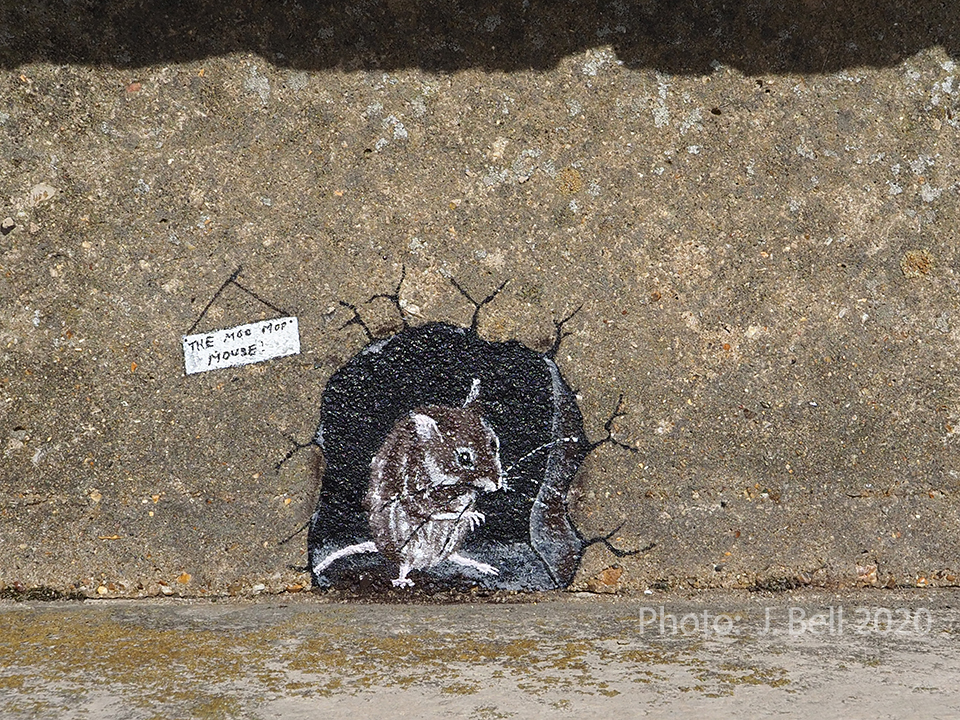
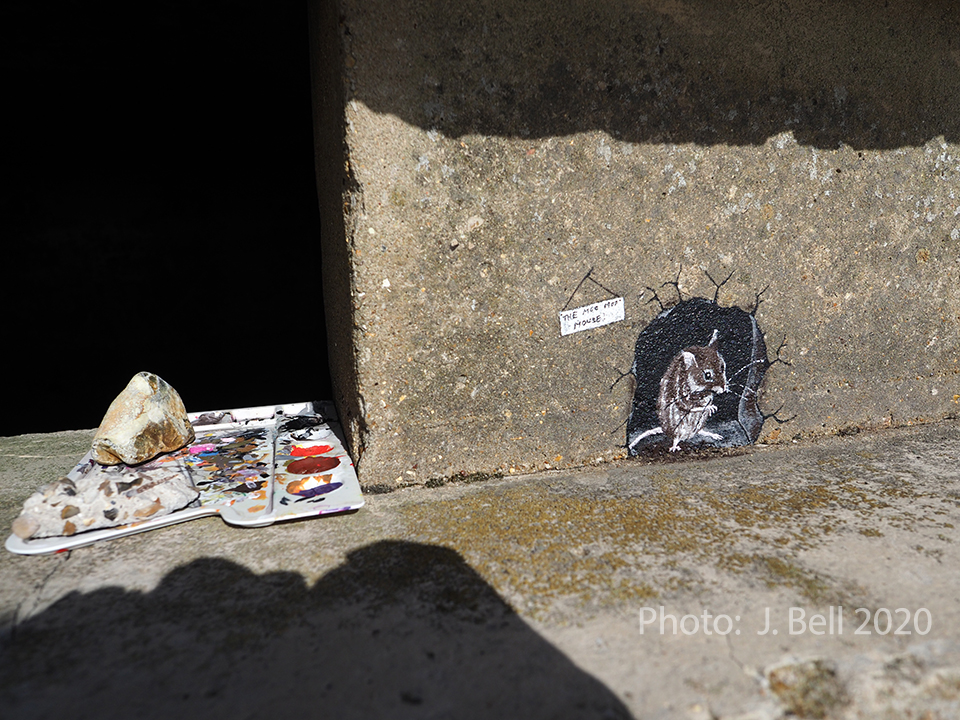
A mystery artist has been creating cute little artworks featuring a mouse called ‘The Moo Mop Mouse!’ (#moomopmouse). The miniature artworks have been appearing near island beaches in September 2020. This blog entry documents some of the artworks found. The artist often leaves little ‘clue arrows’ pointing to where the small artworks can be found.